You can move records and all associated information across projects.
Copy page in markdown for LLMs
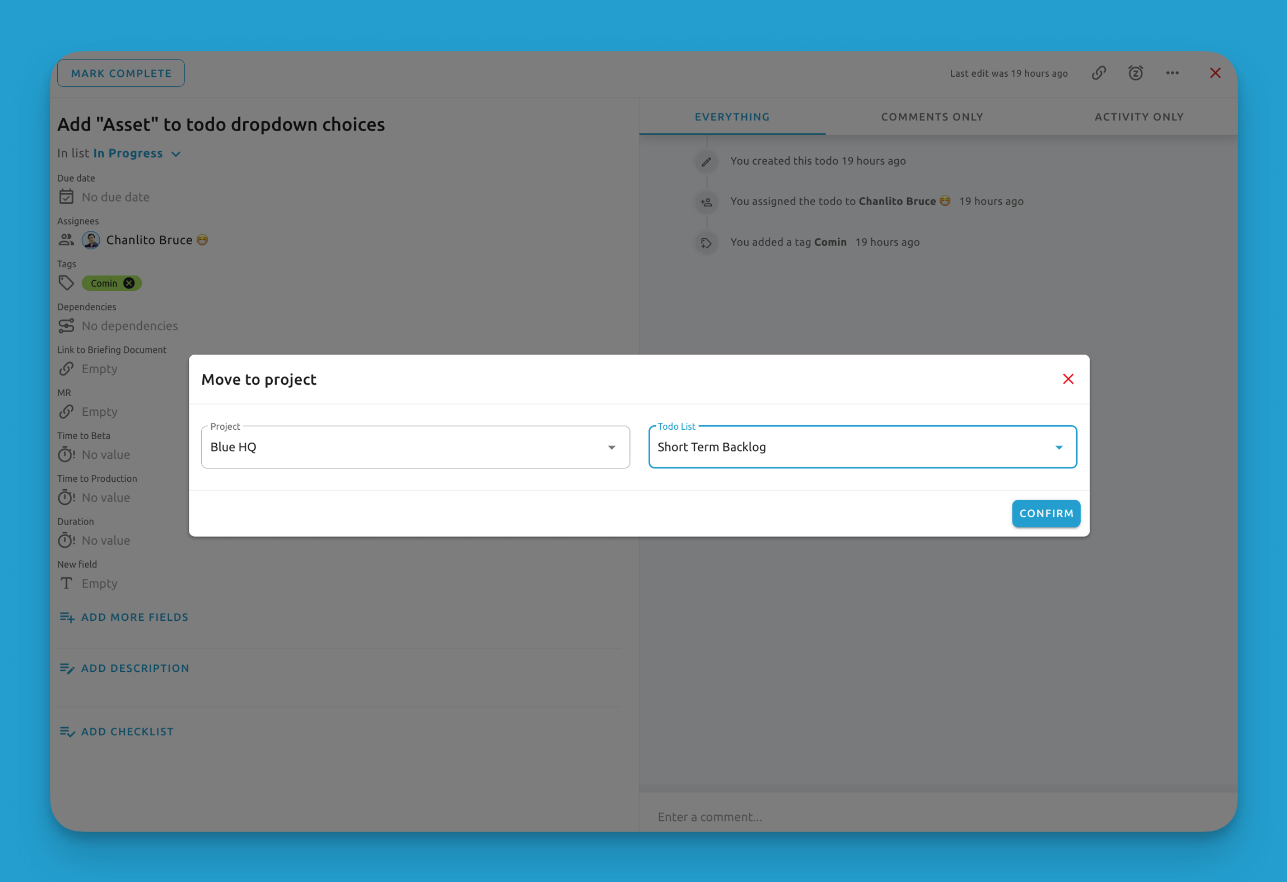
Sometimes you may need to reorganize your records by moving them between projects or lists. Here's how:
- Navigate to the record you want to move
- Click on the "..." menu
- Choose "Move"
- Select the destination project and list
Things to note:
- Only admin and team members can move records
- When moving across projects, attachments and comments will be carried over
- However, custom fields detail won't be moved acorss